

The Android storage space running out warning means your phone has less free working space than the system wants. Nothing has gone yet. Your photos, messages and files still live on the phone.
This guide explains what each message means and what to check before you delete anything. It also covers a trap that catches Android owners in particular: a full photo library can stop your Gmail from sending and receiving.
Phone storage and Google Account storage are two different things
Almost every Android storage problem gets easier once you separate the two systems that can fill up. Buying more Google One space does nothing for a full phone:
- Phone storage. The physical memory inside the phone.
- Google Account storage. Space on Google’s servers for Gmail, Google Drive, Google Photos and WhatsApp backups.
- App storage. Temporary cache plus saved offline content, stored on the phone, includes logins, settings and downloads.
Android storage space running out and the other messages you will see
The Android storage space running out notice is the one most people meet first, and it has company. Wording varies by manufacturer, so a Samsung phone may phrase these differently from a Pixel. The meaning underneath is the same on every Android device.
What each Android storage space running out message means
| What you see | Where it appears | What it means | What to check first |
|---|---|---|---|
| Storage space running out | A system notification | Free space on the phone itself is low. Android needs working room for updates and new files. | Open Settings > Storage and see what is using it before you clear anything. |
| Insufficient storage available | Play Store, during an install or update | Not enough free space to download and unpack the app. | Clear the cache on a few large apps first. That reclaims space without losing anything you made. |
| Storage full | Camera, when you try to shoot | Free space dropped below what a capture needs. The phone did not save the photo or video. | Copy files off the phone rather than deleting. Deleting under pressure is where real losses happen. |
| Backup is off. Your Google Account storage is full. | Google Photos | You have used up the account allowance, so new photos stop backing up. The phone may still have space. | This is the account, not the device. Adding space to one does not help the other. |
| Your Google Account storage is full | Gmail, Drive or an account-level notice | One quota covers Gmail, Drive and Photos, so the problem hits all three at once. | Deal with this quickly. Gmail stops sending and receiving, and senders get their mail bounced back. |
| System storage running low | A system notification on some devices | The system partition or working space has run short, which can block updates. | Restart first, then check the real figure in Settings. This one is often cache rather than content. |
One quota, three services and the email that stops
Most people do not see this coming, because nothing on the phone links photos to email. Google’s documentation confirms that one storage allowance covers Gmail, Drive and Google Photos. When photos fill it, backups stop, Drive uploads fail and Gmail stops sending and receiving. Anyone who emails you gets a bounce.
Google also states that it may delete content across all three services if an account stays over quota for two years. A full camera roll can cost you your email archive, and most people only make that connection after it has happened to them.
Clearing cache versus deleting content
Before you delete anything, use the tool Android has and iOS lacks. App cache is temporary data an app can rebuild, such as map tiles, thumbnails and streamed video fragments. Clearing it costs you nothing and often frees several gigabytes on a phone you have used for a year.
Clearing app data is different, because it removes your settings, logins and offline downloads. Check which button you are tapping, and clear cache before you consider deleting a single photo.
Manufacturer differences worth knowing
Samsung keeps its storage tools under Device Care, with cleanup suggestions that mix cache clearing and content deletion in one list. Read what each suggestion removes before you accept it.
Pixel and other stock Android phones, meanwhile, keep storage management under Settings > Storage, with a clearer breakdown by category. Whatever the brand, trust the figures inside Settings rather than the notification.
Why the Android storage space running out warning comes back
Clearing space buys time. The Android storage space running out warning returns because photo and video files keep growing as cameras improve, and you keep shooting. A round of deletions is a one-time reduction against a library that never stops growing. Sooner or later the question stops being what to delete and becomes where the library should live.
What Google One costs as the library grows
Google’s pricing is simple at the low end but gets awkward higher up.
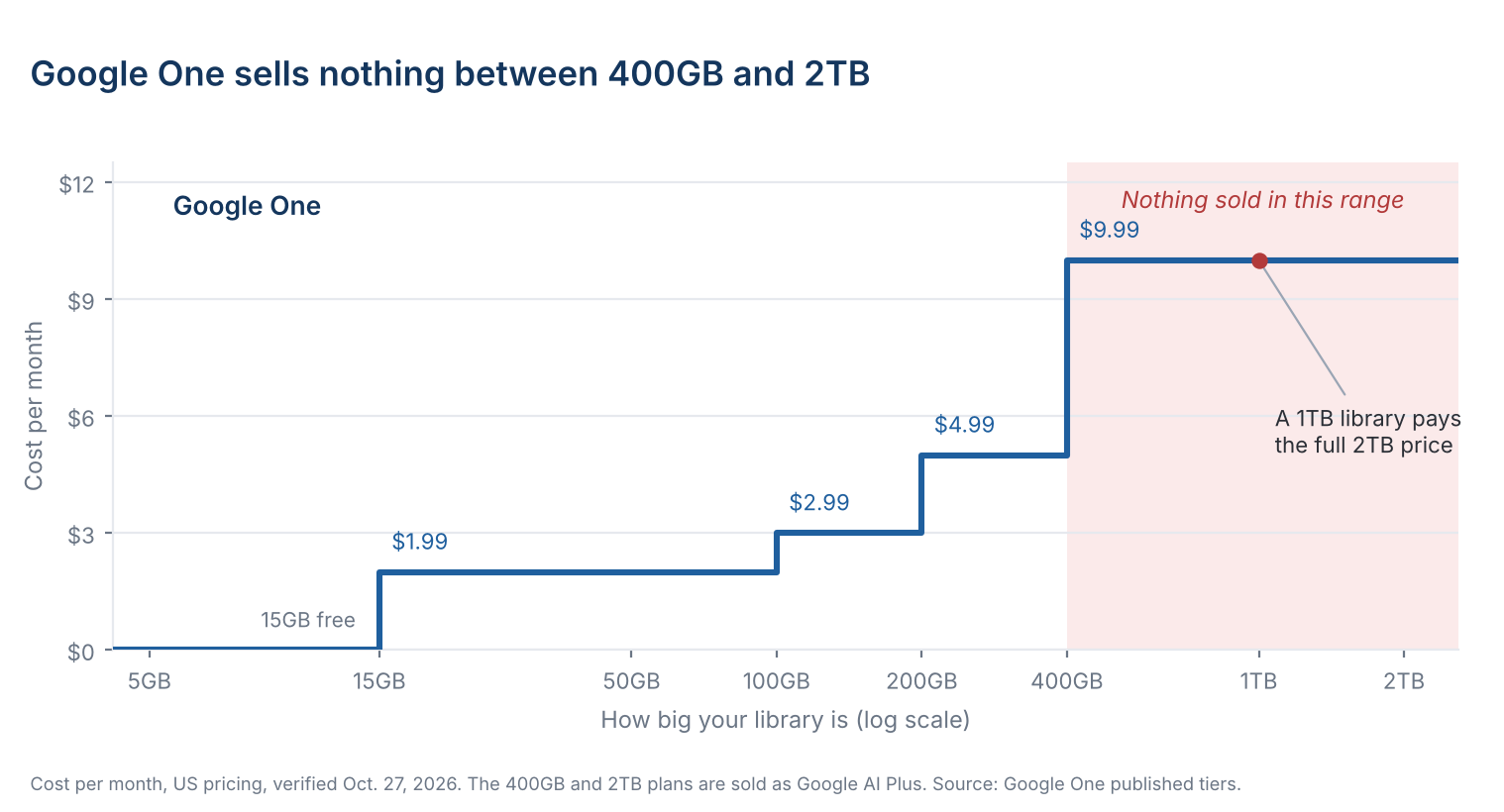
Up to 400GB, Google One is good value and needs no thought. The free 15GB is generous next to Apple’s 5GB, which is part of why Android owners hit this wall later than iPhone owners do.
Above 400GB, however, the ladder has a missing rung. The next plan Google sells is 2TB at $9.99 a month, so a library at 500GB, or 800GB, pays the full 2TB rate. That gap is where a few years of 4K video lands you. Google sells both the 400GB and 2TB plans as Google AI Plus, bundled with Gemini features.
What five years costs
A 2TB library needs Google One 2TB at $9.99 a month, $599 over five years. A BeeDrive pays for itself in month 35 and a BeeStation in month 37. A DiskStation costs more than the plan over five years at this size.
- Google One 2TB, monthly
- BeeDrive 2TB
- BeeStation 4TB
- DiskStation DS223j with two 4TB drives, mirrored
A 3TB library needs Google One 5TB at $19.99 a month, $1,199 over five years. A BeeStation pays for itself in month 19 and a DiskStation in month 36. BeeDrive is too small at this size.
- Google One 5TB, monthly
- BeeStation 4TB
- DiskStation DS223j with two 4TB drives, mirrored
A 5TB library needs Google One 5TB at $19.99 a month, $1,199 over five years. A BeeStation Plus 8TB pays for itself in month 34 and a DiskStation with 6TB drives in month 43. BeeDrive is too small at this size.
- Google One 5TB, monthly
- BeeStation Plus 8TB
- DiskStation DS223j with two 6TB drives, mirrored
| Library | Google One plan you'd need | BeeDrive | BeeStation | DiskStation |
|---|---|---|---|---|
| 2TB | 2TB · $9.99/mo$599 over five years | 2TB · $340Pays for itself in month 35No room to grow | 4TB · $365Pays for itself in month 37 | DS223j · $710Costs more over five years |
| 3TB | 5TB · $19.99/mo$1,199 over five years | Too small | 4TB · $365Pays for itself in month 19 | DS223j · $710Pays for itself in month 36 |
| 5TB | 5TB · $19.99/mo$1,199 over five years | Too small | Plus 8TB · $660Pays for itself in month 34 | DS223j · $850Pays for itself in month 43 |
Cumulative cost, US pricing before tax, verified Oct. 27, 2026. Google One billed monthly. Hardware paid once at MSRP or US retail list price.
Google charges the same $9.99 a month as Apple for 2TB. Billed monthly, the plan passes a $339.99 BeeDrive in month 35 and a $364.99 BeeStation in month 37, then reaches $599 by the end of year five.
Capacity and ownership change the comparison too. The BeeDrive matches the plan’s 2TB, and the BeeStation holds 4TB for $25 more. Either way the library sits somewhere you control. Assumptions: a 2TB-class library, US pricing before tax, verified Oct. 27, 2026, Google One billed monthly, BeeDrive 2TB and BeeStation 4TB at their $339.99 and $364.99 MSRPs, paid once.
The four ways out
| Option | Cost after 5 years | What you have at the end | The catch |
|---|---|---|---|
| Delete and repeat | $0 | The same phone, with less in it | The warning returns, and the deletions are permanent. |
| Buy a phone with more storage | $400 | A phone with more space | Nothing is backed up, and it resets at the next upgrade. |
| A larger cloud plan | $599 | Access for as long as you subscribe | Good value up to 400GB. Past that, every library pays the 2TB rate. |
| Own the storage | $340 to $365 | A 2TB BeeDrive or 4TB BeeStation you own | Costs more up front and takes an evening to set up. BeeDrive also needs a computer that stays on. |
Up to 400GB, pay Google and move on. Past that, owning the storage costs less than Google One after about three years. You end year five with hardware you own instead of a receipt.
What backed up actually means
Google Photos backup is a real backup in one sense: the Free up space button removes phone copies and leaves the account copy alone. Delete a photo inside the app, though, and it goes from the account too. Syncing keeps two places identical. A backup, on the other hand, keeps a copy that ignores your deletions.
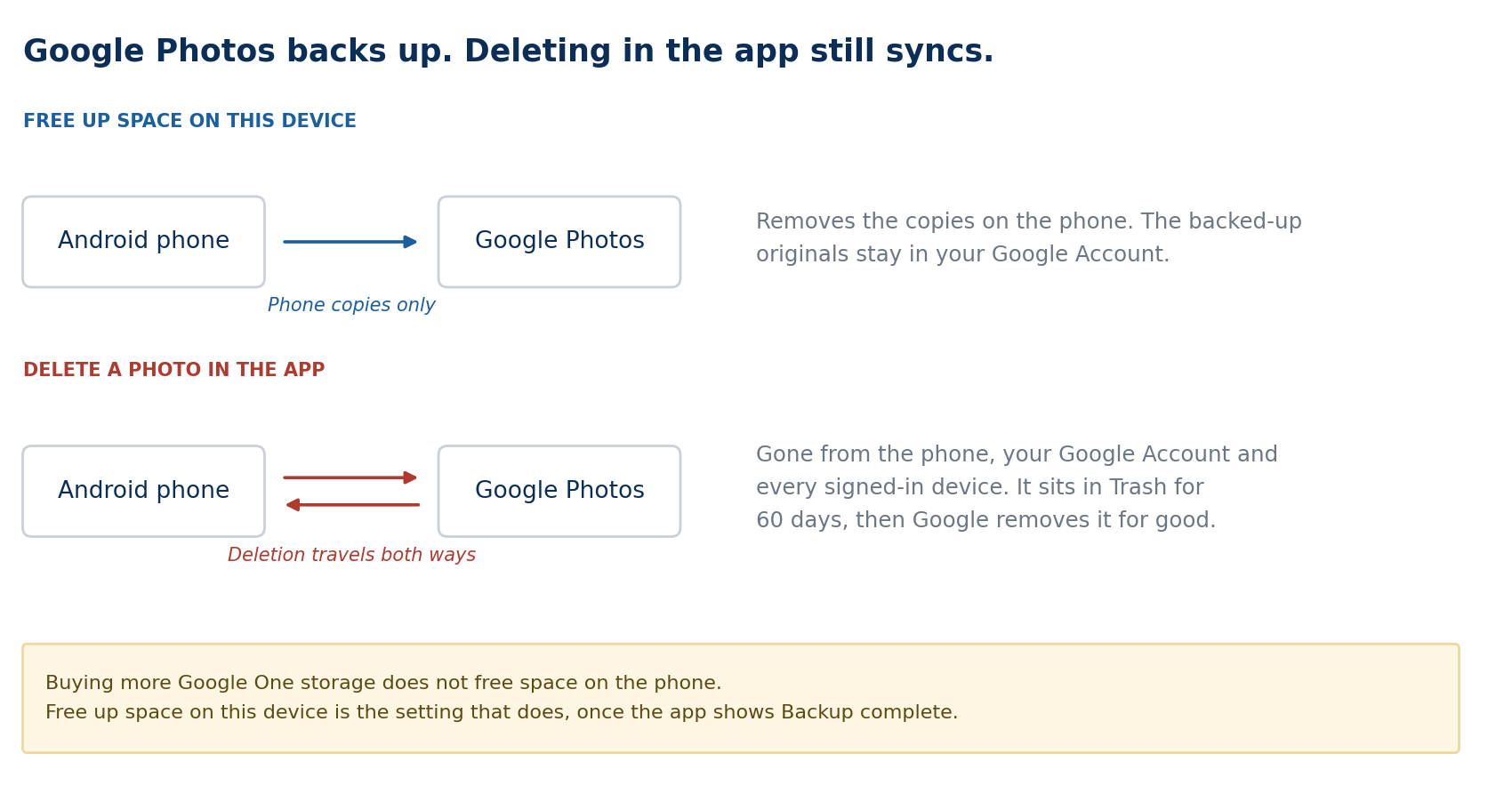
So a library that lives only in Google Photos has one copy. If it matters, keep a second copy somewhere that does not mirror your mistakes, such as a computer or a device at home. On a BeeStation, the BeePhotos app does that job from the phone in the background. A BeeDrive does it through the computer it plugs into. On a DiskStation, the Synology Photos app does the same. BeePhotos then clears the phone copies with Free Up Space, once each photo reaches the BeeStation.
Give the library a home that does not fill up
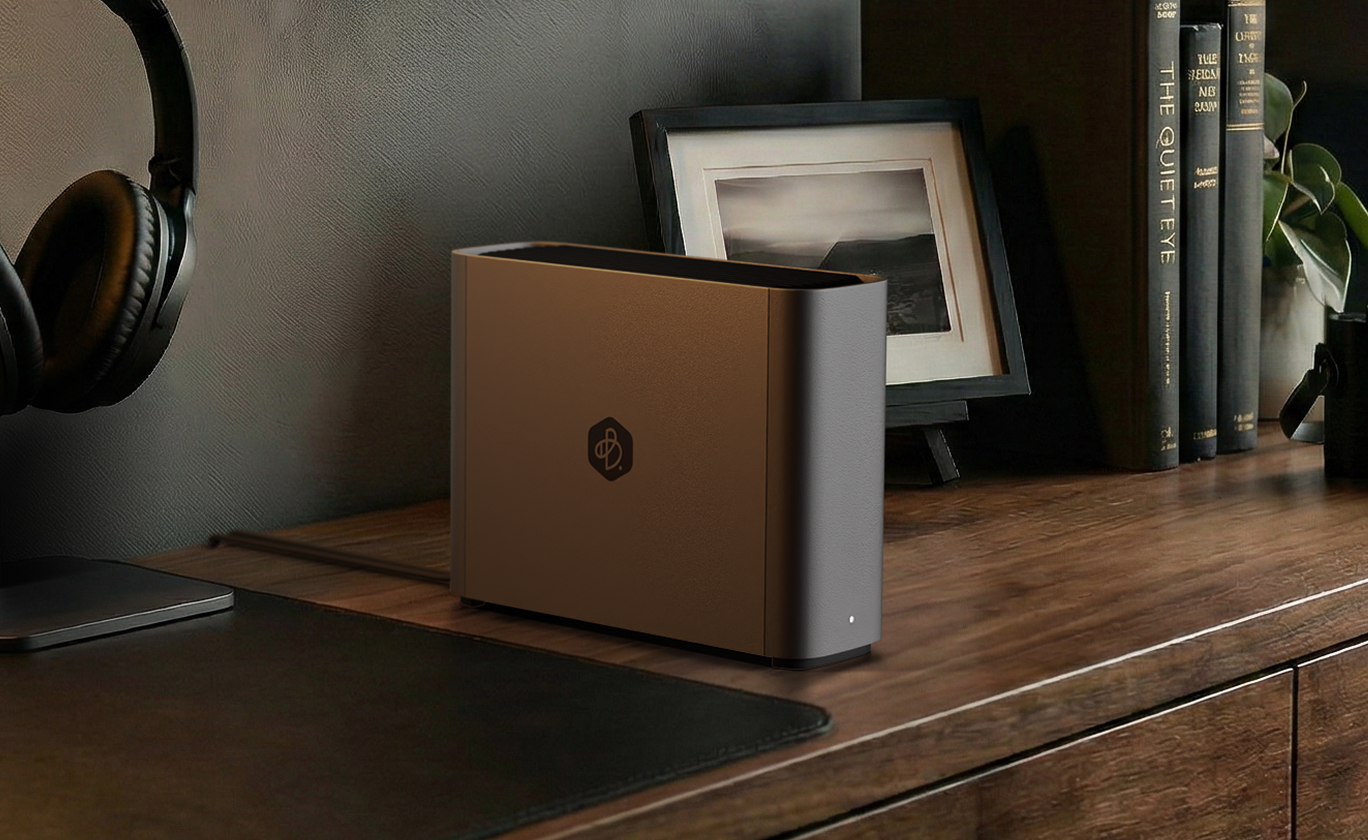
BeeStation holds 4TB and backs up your phone by itself. You pay for it once. It includes a three-year Acronis True Image Essentials license for one computer. BeeDrive costs less up front, holds 2TB and backs up your phone through your computer.
Library approaching 4TB? Compare BeeStation capacities, including the 8TB Plus.
Frequently asked questions
Android storage space running out: questions about the phone
No. The Android storage space running out warning stops the phone from saving new things. It leaves what is already there alone. People lose photos by deleting in a hurry, not because of the warning.
Yes. Cache is data an app can rebuild, so clearing it loses nothing you created. Clearing app data is different and does remove your settings and offline content, so read which one you are tapping.
Phone storage is the physical space in the device, fixed when you bought it. Account storage, by contrast, is space on Google’s servers, shared across Gmail, Drive and Photos. Buying more of one does nothing for the other.
Google Photos shows backed-up photos from your account alongside files on your phone. Free up space on this device removes the phone copies and keeps the backup, so the app streams those photos from your account when you are online.
Review offline downloads after trips, clear out large messaging app media and avoid keeping duplicate copies of videos. Back up your photo library to a private cloud such as Synology BeeStation, then clear local copies on a schedule while the originals stay at home.
Questions about Google Account storage
One Google Account quota covers Gmail, Drive and Photos, plus WhatsApp backups. When photos fill it, Gmail stops sending and receiving, and anyone who emails you gets a bounce. Google also states that it may delete content across all three services after two years over quota.
No, because Google One adds space to your Google Account, not your phone. To free device storage, confirm your backup is complete, then use Free up space on this device in Google Photos to remove local copies.
Up to 400GB, yes. It is cheap and it solves the problem with no effort. Google sells nothing between 400GB and 2TB, so once you pass 400GB you pay the 2TB price for whatever you use. That is the point to price out storage you own.
Quick tasks to fix Android storage space running out
Time needed: 30 minutes
Six steps to fix Android storage space running out without losing photos or app data.
- Check your phone’s internal storage
Open Settings > Storage and note how much space apps, photos, videos and downloads use. Tap a category to see its largest items.
- Clear app cache without clearing app data
Open Settings > Apps > See all apps, pick a large app, tap Storage & cache, then tap Clear cache. Your logins and messages stay in place.
- Remove downloads and apps you do not need
Review your Downloads folder and the offline content inside video, music and podcast apps. Uninstall apps you no longer use once you confirm they hold nothing you want to keep.
- Back up photos, then free up device space
In Google Photos, confirm the account shows Backup complete, then tap Free up space on this device. The phone copies go and the backed-up photos stay in your account.
- Move important files to a computer
Connect the phone by USB, choose File transfer and copy files to a clearly named folder. Then open a few transferred files before you remove the phone copies.
- Empty Trash in Files by Google
Open the menu, tap Trash, restore anything you need and delete the rest. Deleted files keep using storage until the 30-day window ends.
On an iPhone too? iPhone storage full: what to do covers the Apple side, where the trap is that iCloud Photos syncs rather than backs up.
Android storage space running out? Give your library a home
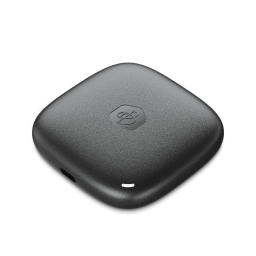
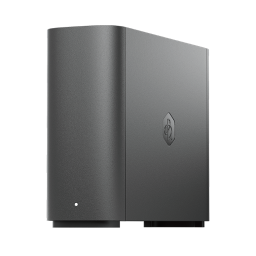
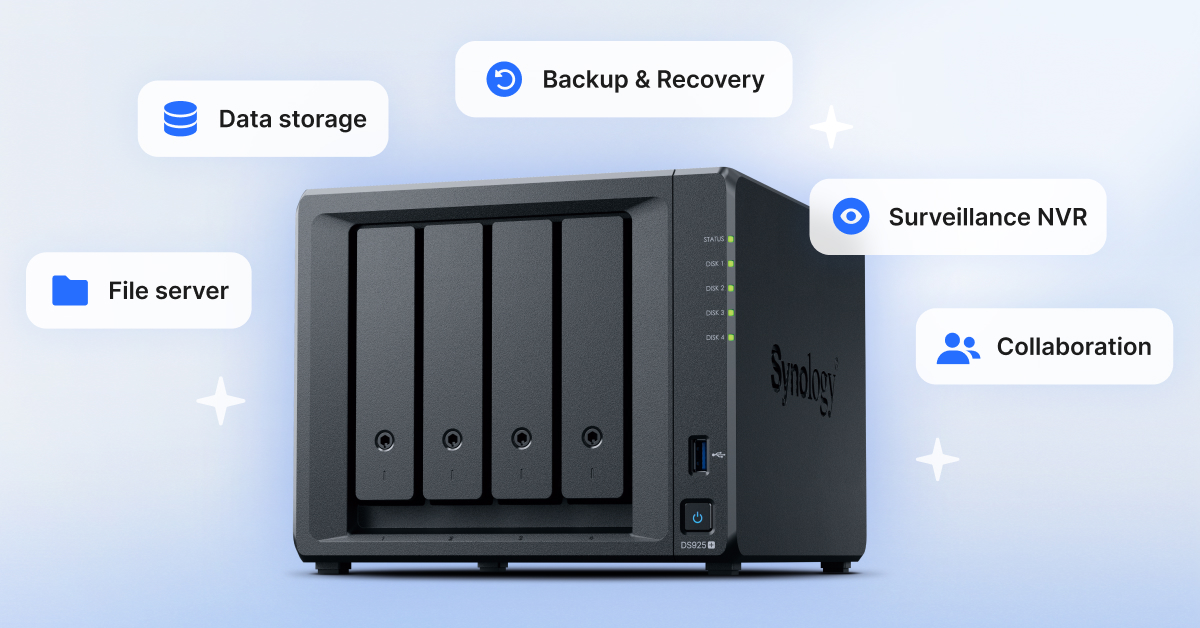
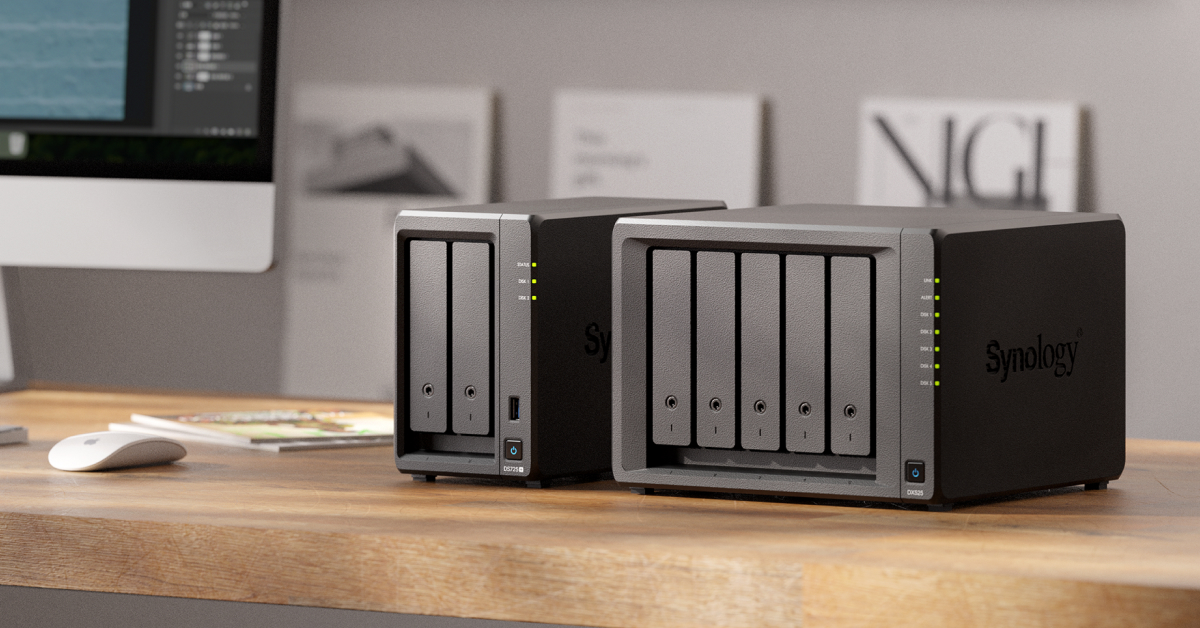
Synology makes four storage options for this, from a 2TB BeeDrive to a 4-bay DiskStation. Most phone libraries fit a BeeDrive or BeeStation, while a family sharing years of 4K video usually needs a DiskStation. Swipe or use the arrows to see them all.
Shop Synology at



Keep reading
How one private storage device on your home network backs up every phone and computer, with no subscription.
Storage and backup for photographers and video editors whose libraries have outgrown a cloud plan.
Each iPhone storage warning explained, plus why a bigger iCloud plan leaves the phone full.