

Relax. An iPhone storage full warning does not mean the phone deleted anything. Your photos, messages and apps are still there. This guide explains what each warning means, what to check before you delete anything and why the warning returns even after you clear space.
The confusion around “iPhone storage is full”
Most confusion comes from mixing up three separate numbers.
- iPhone storage: The physical storage inside the phone. You chose its size when you bought it.
- iCloud storage: Space on Apple’s servers. Buying more of it does not create room inside the phone.
- App storage: This includes cache, downloaded video, offline maps and message attachments.
People pay iCloud+, see the same warning the next morning and assume the payment failed. It did not. They bought space in a different place from the one that was full.
iPhone storage full and other common error messages
Each row shows the message as it appears, what it means and the first thing to check.
| What you see | Where it appears | What it means | What to check first |
|---|---|---|---|
| Storage Almost Full | A Settings alert, plus a badge that will not clear | Free space on the phone itself is near the level iOS needs to run. iOS has not removed anything. | Before deleting anything, open Settings > General > iPhone Storage and read the real number. |
| Cannot Take Photo | Camera, at the moment you press the shutter | Free space fell below what a capture needs. The camera did not save the shot. | Move files off the phone rather than deleting. The photo deleted in a hurry is the one you cannot get back. |
| There is not enough storage to install the update | Settings, during a software update | The update needs temporary working room, often more than its final size. | Free space temporarily, install, then decide what to keep. Security updates, in particular, are worth clearing space for. |
| This iPhone cannot be backed up | Settings, or after a failed overnight backup | The iCloud account is full. This is not about space on the phone. | Check what is using iCloud before paying for more of either one. |
| iCloud Storage Full | An alert, or a banner across Apple apps | You have used up the cloud allowance, so photos stop uploading and backups stop running. | Confirm which is full, the phone or the account, because they are separate. |
| Unable to download app | App Store, mid-download | Not enough free space to unpack and install. | Offload an unused app instead of deleting photos. Offloading keeps the data. |
iPhone storage full after upgrading iCloud

The purchase worked. It fixed the backups that were failing, and uploads have resumed. The phone is still full, though, because iCloud space and iPhone space are two separate pools.
Optimize Storage (Optimize iPhone Storage on older iOS versions) is the setting that links the two. Turn it on in Settings > [your name] > iCloud > Photos, and your iPhone keeps smaller versions on the device while the full-resolution originals stay in iCloud. It works gradually and only when the phone needs room, so the free space figure will not jump the moment you switch it on.
One warning matters more than any number on this page. With iCloud Photos on, deleting a photo from the phone deletes it from iCloud and from every other device on the account. Apple does not store the photos twice. Rather, they are one library that appears in several places.
When your iPhone will not let you delete photos
Deleted photos move to Recently Deleted and stay there for 30 days, still occupying space. You can clear the camera roll for an hour and watch the free space barely move. Empty that album and the space appears.
If deletion fails outright, the device is often too full to write the change. Offloading apps frees enough room for deletions to complete, which is another reason offloading is the better first move.
Why iPhone storage full keeps coming back
Clearing space works the first time. By the third time, the easy wins are gone and the decisions get harder.
Photo and video files grow every year as cameras improve, and you keep shooting. Deleting is a one-time subtraction against an addition that does not stop. Eventually the useful question changes from what to delete to where the library should live.
What iCloud+ costs as the library grows
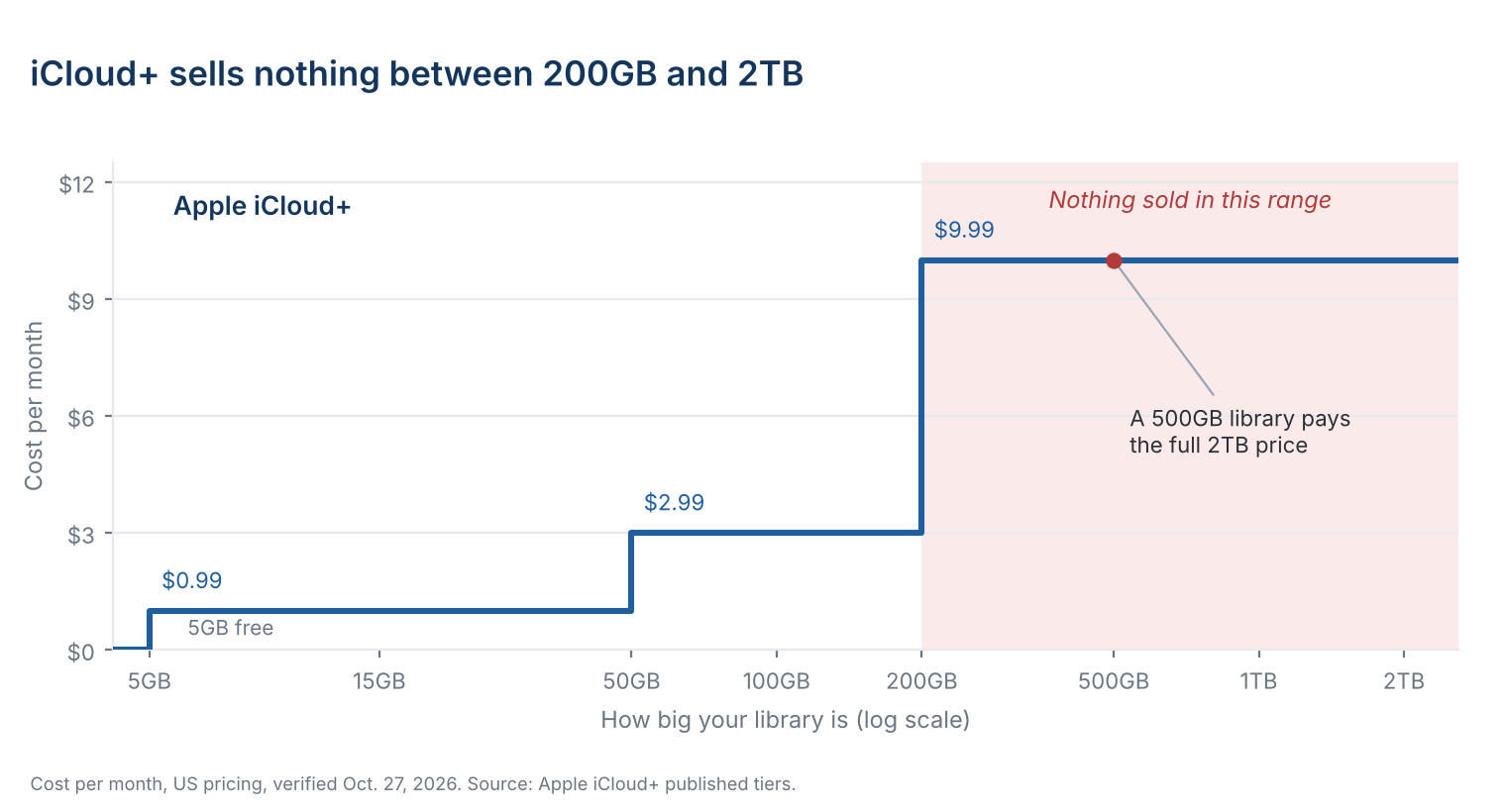
Apple gives you 5GB of free iCloud storage when you sign in to an iPhone, iPad or Mac.
Above 200GB, however, Apple sells nothing until 2TB, so a library at 500GB pays the same $9.99 a month as a library at 2TB, for a quarter of the space. That gap is where many growing photo libraries sit.
What five years of iCloud+ costs
A 2TB library needs iCloud+ 2TB at $9.99 a month, $599 over five years. A BeeDrive pays for itself in month 35 and a BeeStation in month 37. A DiskStation costs more than the plan over five years at this size.
- iCloud+ 2TB, monthly
- BeeDrive 2TB
- BeeStation 4TB
- DiskStation DS223j with two 4TB drives, mirrored
A 3TB library needs iCloud+ 6TB at $29.99 a month, $1,799 over five years. A BeeStation pays for itself in month 13 and a DiskStation in month 24. BeeDrive is too small at this size.
- iCloud+ 6TB, monthly
- BeeStation 4TB
- DiskStation DS223j with two 4TB drives, mirrored
A 5TB library needs iCloud+ 6TB at $29.99 a month, $1,799 over five years. A BeeStation Plus 8TB pays for itself in month 23 and a DiskStation with 6TB drives in month 29. BeeDrive is too small at this size.
- iCloud+ 6TB, monthly
- BeeStation Plus 8TB
- DiskStation DS223j with two 6TB drives, mirrored
Five-year cost by library size. Swipe the table for every option.
| Library | iCloud+ plan you'd need | BeeDrive | BeeStation | DiskStation |
|---|---|---|---|---|
| 2TB | 2TB · $9.99/mo$599 over five years | 2TB · $340Pays for itself in month 35No room to grow | 4TB · $365Pays for itself in month 37 | DS223j · $710Costs more over five years |
| 3TB | 6TB · $29.99/mo$1,799 over five years | Too small | 4TB · $365Pays for itself in month 13 | DS223j · $710Pays for itself in month 24 |
| 5TB | 6TB · $29.99/mo$1,799 over five years | Too small | Plus 8TB · $660Pays for itself in month 23 | DS223j · $850Pays for itself in month 29 |
Cumulative cost, US pricing before tax, verified Oct. 27, 2026. iCloud+ billed monthly. Hardware paid once at MSRP or US retail list price.
A BeeDrive 2TB costs $339.99 once and a BeeStation 4TB costs $364.99. iCloud+ 2TB passes the BeeDrive in month 35 and the BeeStation in month 37, then reaches $599 by the end of year five. The BeeDrive matches the plan’s 2TB, and the BeeStation holds twice that for $25 more.
Assumptions: a 2TB-class library, US pricing with tax excluded, verified Oct. 27, 2026. Apple bills iCloud+ monthly because it sells no annual option. The BeeDrive 2TB and BeeStation 4TB cost their $339.99 and $364.99 MSRPs once, with no resale value assumed.
Four ways out of a full iPhone
| Option | Cost after 5 years | What you have at the end | The catch |
|---|---|---|---|
| Delete and repeat | $0 | The same phone, with less in it | The warning returns, and the deletions are permanent. |
| Buy a phone with more storage | $400 | A phone with more space | It backs up nothing, and it resets at the next upgrade. |
| A larger cloud plan | $599 | Access for as long as you subscribe | Fine value under 200GB. Above it, you pay the 2TB price whatever you use. |
| Own the storage | $340 to $365 | A 2TB BeeDrive or 4TB BeeStation you own | Costs more up front and takes an evening to set up. BeeDrive also needs a computer that stays on. |
There is no single right answer. Under 200GB a cloud plan is the sensible choice. Past it, owning the storage costs less after about three years and leaves you with something at the end.
Clear the phone without deleting the photos
BeePhotos copies your camera roll from the iPhone to a BeeStation at home. Once a photo reaches the BeeStation, the app flags the phone copy as safe to delete, and Free Up Space clears those copies in one step.
BeePhotos still shows the whole library, sorted by place, time and people. With iCloud Photos on, those deletions also clear the photos from iCloud, as the warning above explains, while the BeeStation keeps the originals.
A BeeDrive does the same backup through your computer. Plug it into a computer and leave the BeeDrive desktop app running. The phone app then sends photos over Wi-Fi to free up space on the phone. If iCloud keeps your originals, the app downloads each one to the phone before backing it up, so clear a little room first.
Frequently asked questions
iPhone storage full: questions about the phone
No. A full phone stops new things from saving. It does not delete what is there. Real losses usually come from deleting in a hurry to make room.
Usually the number you are looking at is not the one triggering the alert. iOS counts device storage, iCloud and app caches separately. Low storage alerts also sometimes fire on devices with room. Restart, then read the real figure in Settings before acting.
Deleted photos sit in Recently Deleted for 30 days and still take up space, so the free figure barely moves. Empty that album. If deletion fails outright, the device is often too full to write the change, which is why offloading beats deleting.
Questions about iCloud storage
Not by itself. The two are separate, so the purchase changes nothing on the phone itself. Optimize Storage, in Settings > [your name] > iCloud > Photos, is the setting that reduces what the library takes up on the device, by keeping smaller versions locally while the originals stay in iCloud.
It syncs, which is a different job. Delete a photo on the iPhone and it goes from iCloud and from every device signed in to the account. A backup is a copy that does not follow deletions.
Under 200GB, the smaller plans are good value and need no thought. Above 200GB Apple sells nothing until 2TB, so a 500GB library pays the full 2TB price. At that point, compare it against storage you own.
On Android? The same problem works differently there. Android storage space running out covers the shared account quota as well as why a full camera roll stops your email.
Where your iPhone photo library can live
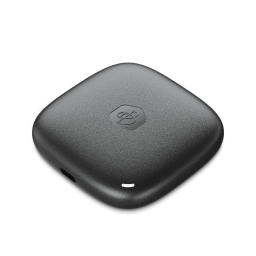
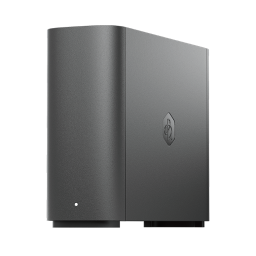
Four Synology storage options, from a 2TB BeeDrive to a 4-bay DiskStation. Swipe or use the arrows to see them all.
Shop Synology at



Keep reading
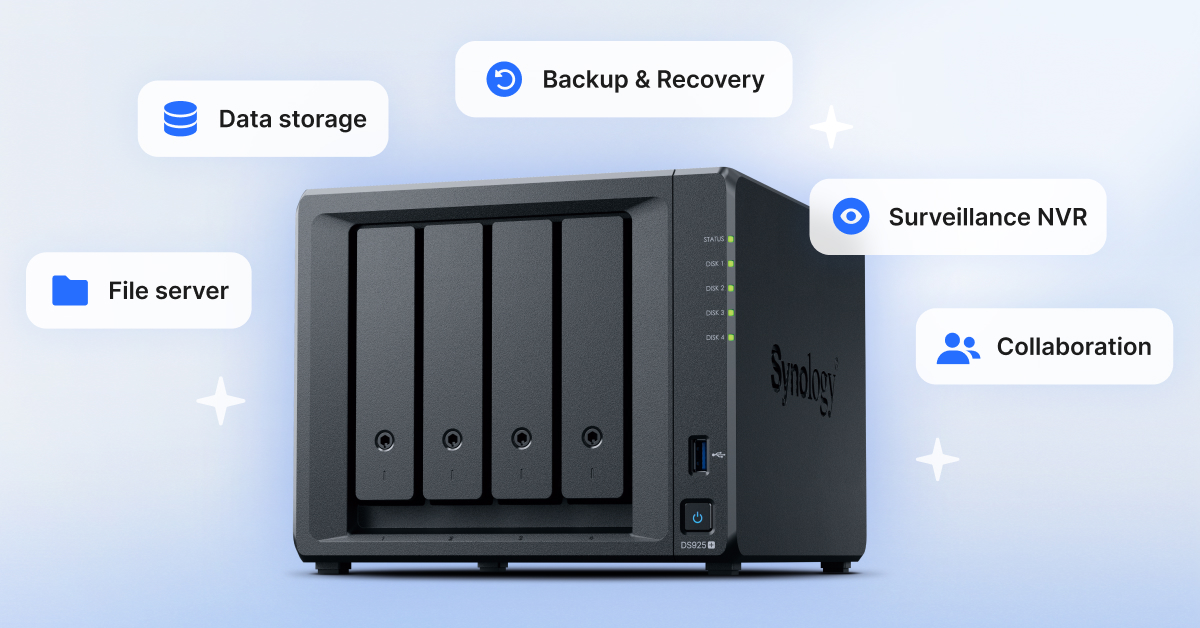
How one private storage device on your home network backs up every phone and computer, with no subscription.
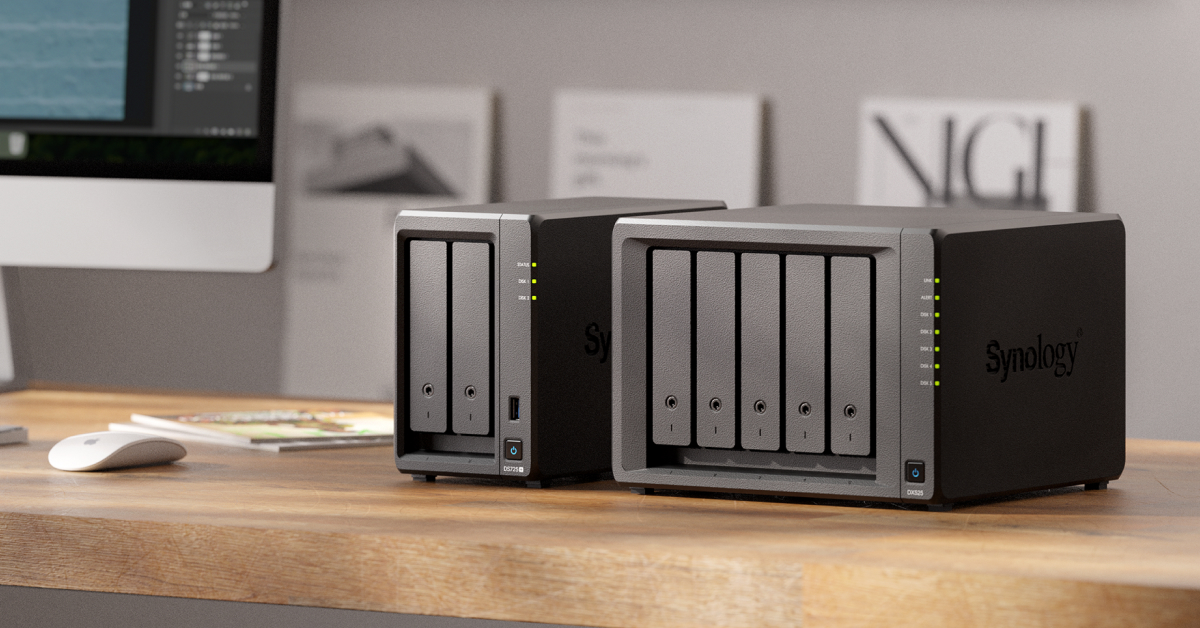
Storage and backup for photographers and video editors whose libraries have outgrown a cloud plan.
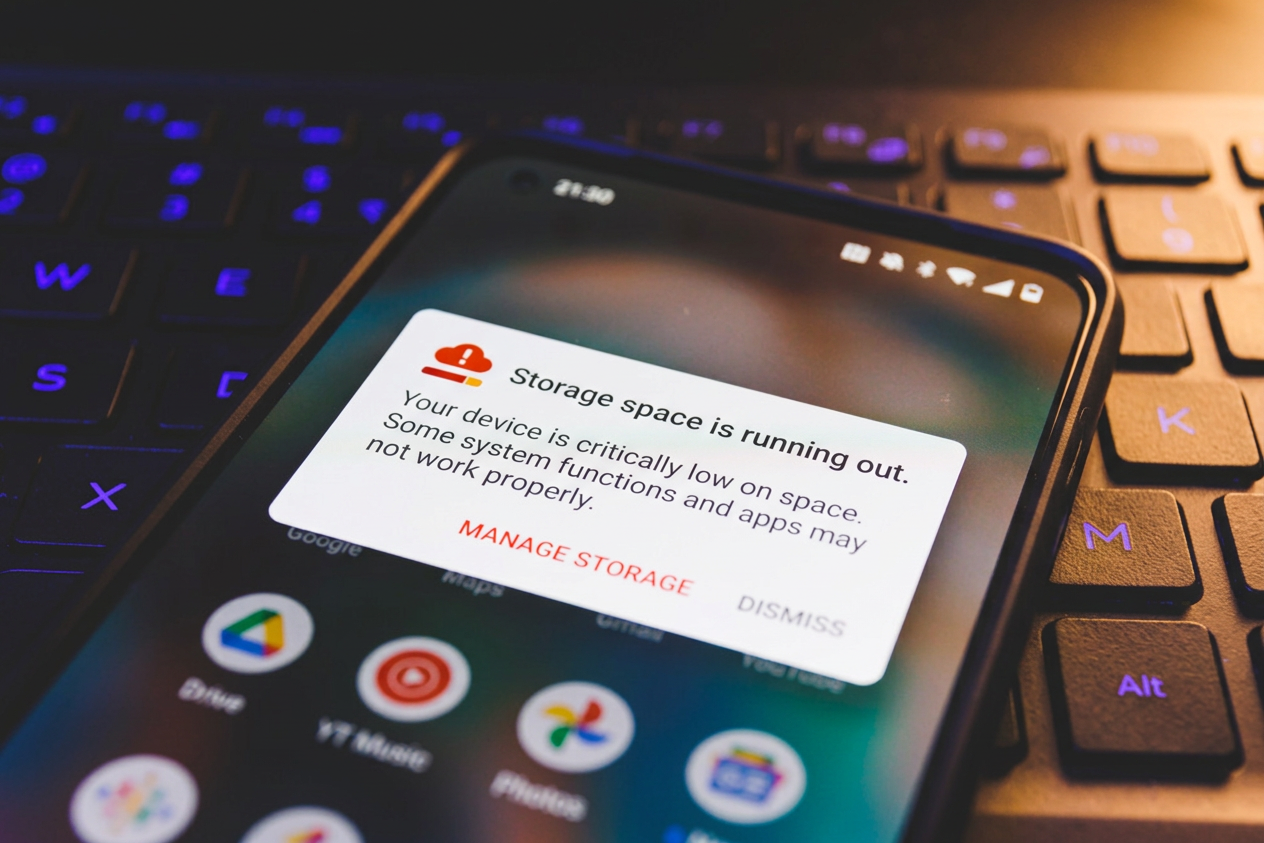
Android storage space running out
Each Android storage warning explained, plus how a full photo library stops your Gmail.