

As Broadcom’s VMware licensing changes push more organizations to explore alternatives, Proxmox VE has become one of the most common choices for migration. But before making the move, you should already know how you’re going to back it up. Migration projects often focus on computing resources, storage, and networking, while backup planning is often left until after migration is complete. That’s when organizations discover that their backup solution may not deliver the same level of protection they expected.
Not all Proxmox VE support is built the same
Today, many backup vendors advertise Proxmox VE support. However, support capabilities vary significantly across platforms. Some provide basic backup functionality while lacking the operational simplicity, centralized management, and recovery capabilities that administrators were accustomed to on VMware. This may increase the likelihood of human error during backup administration and recovery.
When evaluating backup solutions for Proxmox VE, consider more than just compatibility.
- Is the backup process agentless?
Does the solution back up VMs directly through the hypervisor, or does it require installing an agent on every VM? Agent-based backups increase management overhead and can leave VMs unprotected until someone manually installs an agent on them.
- Does it require extra components or manual upkeep?
Does the solution require separate proxies or plugins? If so, those components must also be deployed, patched, and managed. Every additional component increases operational complexity and creates another potential point of failure.
- Does it fit the way you already group and manage VMs?
For example, if your organization groups VMs by tag, your backup solution should be able to apply backup policies to those VMs based on that same tag — not force your team to reorganize how it manages VMs just to fit the tool. This is especially important for tag-based management, since it’s what most VMware users already rely on.
- Does it provide the recovery options you need?
Support for cross-platform restore is an important consideration. While cross-platform recovery is a mature capability for VMware in many backup solutions, the same flexibility isn’t always readily available for Proxmox VE. If the solution can’t restore Proxmox workloads to your existing DR platform, you may have to redesign your DR architecture around the backup solution’s limitations instead of your business requirements.
The table below compares several common backup solutions for Proxmox VE:
ActiveProtect: Enterprise-grade protection for Proxmox VE
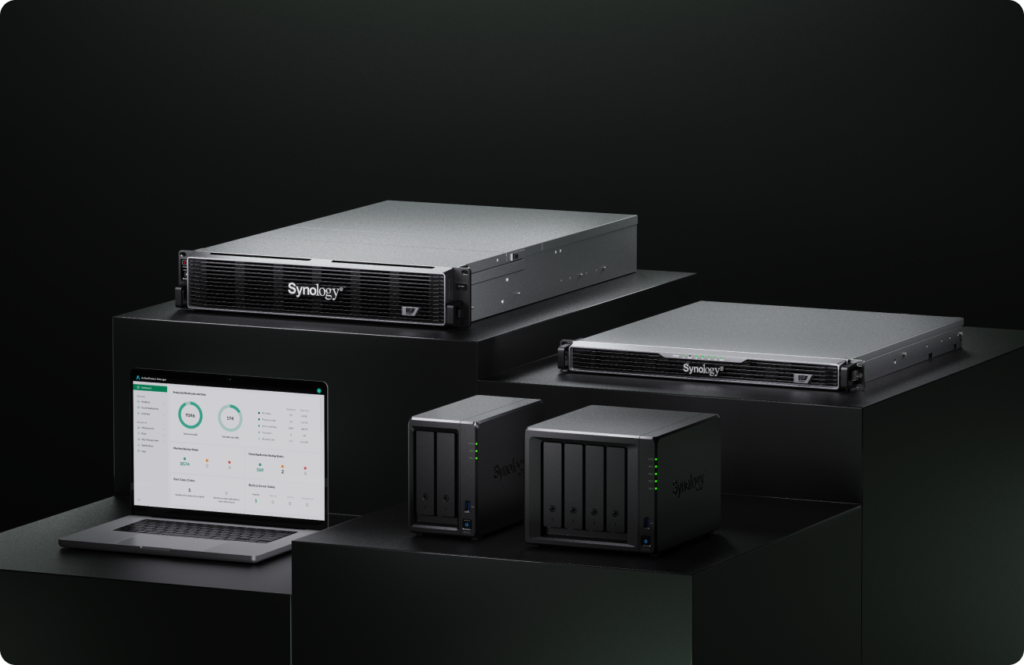
Migrating from VMware to Proxmox shouldn’t mean adopting a different backup workflow.
Synology ActiveProtect is an all-in-one backup appliance built to protect virtual environments at scale. It provides mature, enterprise-grade protection for virtual machines and delivers the same protection experience across both VMware, Proxmox VE and other virtualization platforms.
Agentless — no additional agents to deploy
ActiveProtect backs up Proxmox VMs directly, without an agent inside the guest OS or any separate proxy/connector to maintain. ActiveProtect talks to Proxmox VE directly through its native APIs and snapshot mechanisms, so there’s nothing extra to install, patch, or forget to update when a new VM is spun up.
Faster backups with lower storage costs
ActiveProtect tracks changed blocks via QEMU’s dirty bitmap mechanism, so incremental backups only capture what’s actually changed. Combined with global deduplication — the foundation of ActiveProtect’s proprietary SURE technology — this keeps backup windows short and storage overhead low even as VMs grow. It also supports application-aware backup, so databases and other stateful workloads are backed up in a consistent state.
Built for the way Proxmox VE is managed
ActiveProtect simplifies Proxmox management from the moment the environment is connected. An entire Proxmox cluster can be added at once, instead of registering and maintaining each node individually.
Protection can also be automated by defining policy-based scopes. Auto Protect can be applied by cluster, host, resource pool, or tag. Once the scope is defined, ActiveProtect automatically discovers matching virtual machines and adds newly created VMs to the protection plan, ensuring no eligible workloads are left unprotected.
Recover wherever your business needs
ActiveProtect supports cross-platform restore both into and out of Proxmox VE. Organizations can restore workloads between Proxmox VE and other supported platforms, including physical servers, virtual environments such as VMware, Hyper-V, and Nutanix AHV, as well as public clouds including Microsoft Azure VMs and Amazon EC2 — so your DR strategy stays flexible, without restore limitations increasing your recovery time objective (RTO).
Conclusion
Migrating from VMware to Proxmox VE doesn’t mean starting your backup strategy from scratch. When enterprises choose to move to Proxmox VE, they should also evaluate how well their backup solution supports migration. ActiveProtect checks all these boxes — and once your VMs have migrated, it automatically resumes protecting them with the same consistent experience, with no additional configuration required. Click here to learn more.