
For years, VMware was the first choice for enterprise virtualization. That changed after Broadcom acquired VMware in 2023. Perpetual licenses were discontinued, subscriptions became mandatory, and product bundles were restructured. When organizations renewed their contracts, many saw licensing costs increase by 150% to 300%.That shock set something in motion. The question is no longer whether to look at alternatives—it’s which alternative actually fits your business needs.
The top three VMware alternatives
According to a survey, 71% of organizations are considering migrating to another on-premises hypervisor. Here’s how the alternatives compare.
Microsoft Hyper-V: Best for Microsoft-centric environments
As Hyper-V is built into Windows Server, it is the natural choice for organizations already deep in the Microsoft ecosystem. With Datacenter edition covering unlimited Windows VMs, there’s no additional licensing costs. It runs on Microsoft’s own hypervisor — Windows VM performance is strong but Linux VMs trail behind KVM-based platforms.
Management is handled through the Windows Admin Center or SCVMM, though neither matches vSphere in advanced automation and monitoring.
For migration, Microsoft’s VM Conversion Tool is a free, agentless extension, though network switch mapping requires manual configuration.
Nutanix AHV: A VMware-like enterprise platform
Nutanix AHV is the native hypervisor of the Nutanix HCI platform, integrating compute, storage, and networking into a single stack managed through Nutanix Prism for simplified day-to-day operations. Built on KVM, AHV provides enterprise capabilities such as dynamic resource scheduling and integrated lifecycle management, making it the platform that most closely resembles VMware in both feature completeness and operational experience.
For migration, Nutanix Move is a free migration tool that automates network mapping and driver injection for VMware-to-AHV transitions, reducing manual effort.
Proxmox VE: Cost-effective, flexible solution for SMBs
Proxmox Virtual Environment is a Debian-based open-source platform that runs both KVM virtual machines and Linux Containers (LXC). The software is free to use, with optional enterprise support subscriptions available at a relatively low cost. As an open-source platform, it offers extensive flexibility for customization, although features such as High Availability (HA), networking, and storage typically require additional manual configuration. Management is simple via a built-in web UI. However, Proxmox generally offers fewer automation workflows than VMware.
For migration, the built-in Import Wizard imports VMware ESXi VMs directly, though some manual steps are still required, such as installing VirtIO drivers for Windows VMs.
Whatever platform you choose, Synology ActiveProtect has you covered
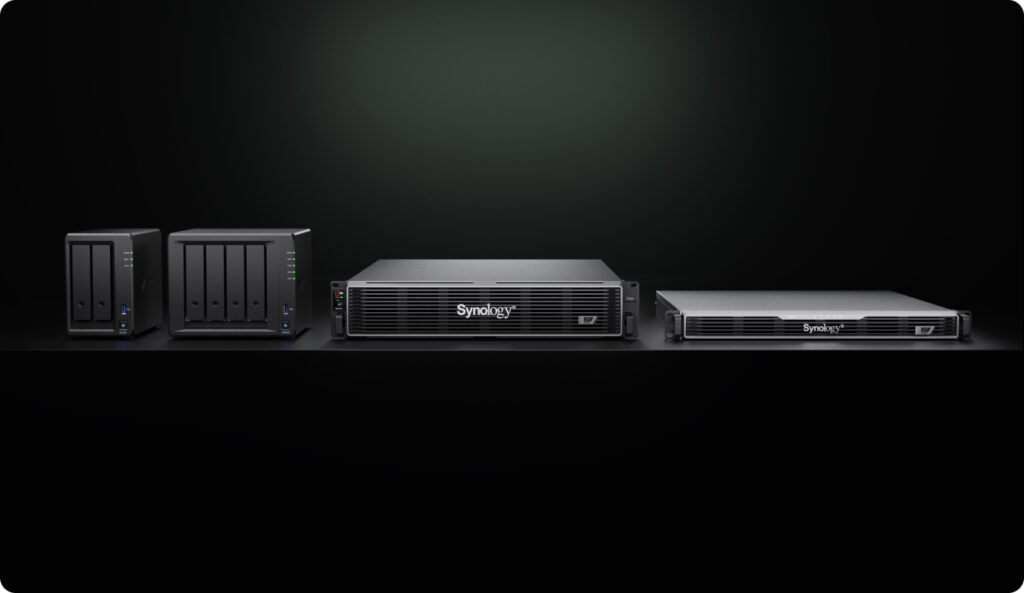
Choosing a new hypervisor is only part of the migration—don’t overlook your backup strategy. If your backup solution doesn’t support the new platform, workloads may be left unprotected during the transition. Synology ActiveProtect, an all-in-one backup appliance for enterprise workloads, supports VMware, Hyper-V, Nutanix AHV, and Proxmox VE, ensuring continuous protection throughout the transition.
Seamless protection across platforms
Switching hypervisors doesn’t mean starting your protection strategy from scratch. With Auto Protect, ActiveProtect automatically detects newly migrated virtual machines and applies the existing protection plan as soon as they appear on the new platform. Backup begins immediately, ensuring no workloads are left unprotected after migration.
Additionally, since ActiveProtect deduplicates data globally across workloads, migrating to a new platform won’t cause your storage footprint to balloon—only changed data is stored, even across hypervisors.
Retired workloads are handled automatically
Migration isn’t just about protecting new workloads—it’s also about safely retiring old ones. As VMware VMs are decommissioned, ActiveProtect automatically stops backup jobs while preserving existing recovery points according to the configured retention policy. This eliminates manual cleanup and prevents obsolete workloads from consuming unnecessary resources.
Safe rollback across hypervisors
Migration projects rarely go exactly as planned. If issues are discovered afterwards, ActiveProtect can restore workloads across supported hypervisors directly from your backups. Instead of repeating the migration process, organizations can quickly recover to a stable environment, reducing both downtime and migration risk.
Learn more: How to migrate virtual machines from VMware to Nutanix AHV or Proxmox VE?